One photo.
One word. Today.
A journal that asks for one photo and one word a day. No long entries to write.


- Free
- No ads
- No sign-up
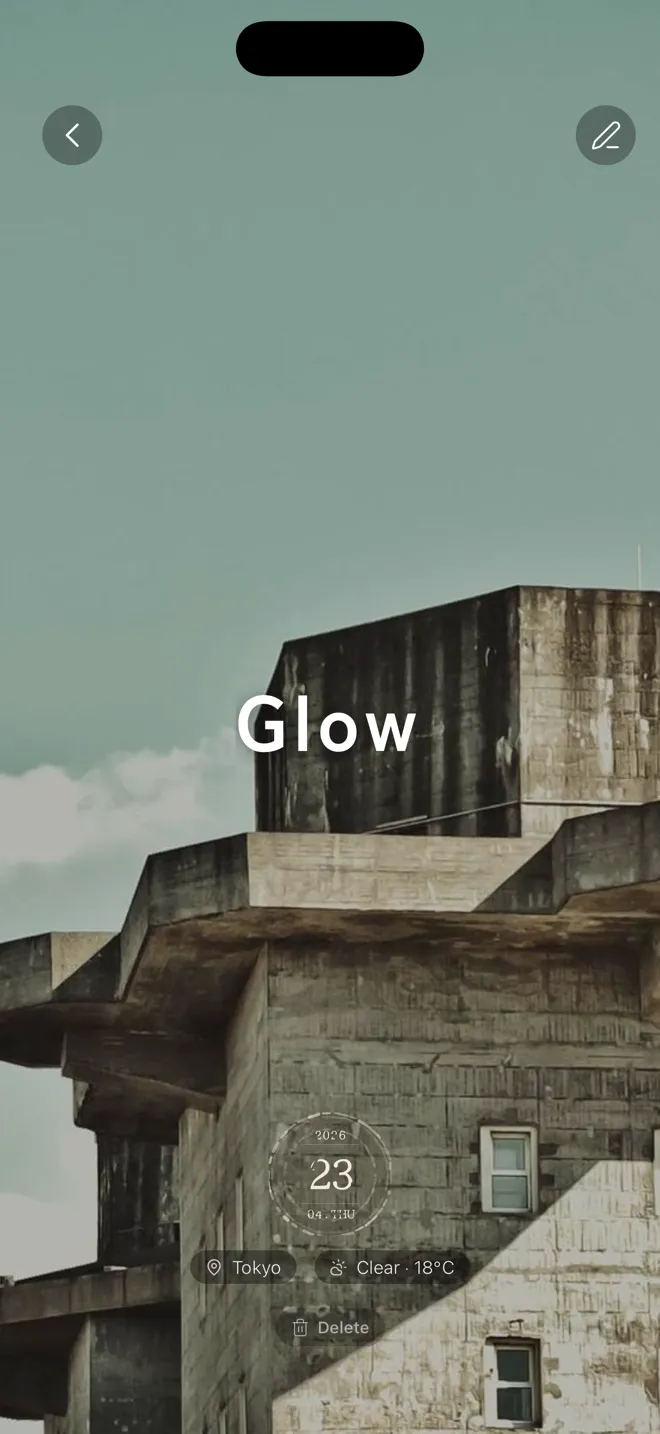
Pick a photo.
Add one word.
- Tap “Capture today's word”
- Take a photo, or choose one from your gallery
- Type one word and save
Your entries stay in the Log tab, ready to look back on.
Today's photo is waiting
each time you open it.
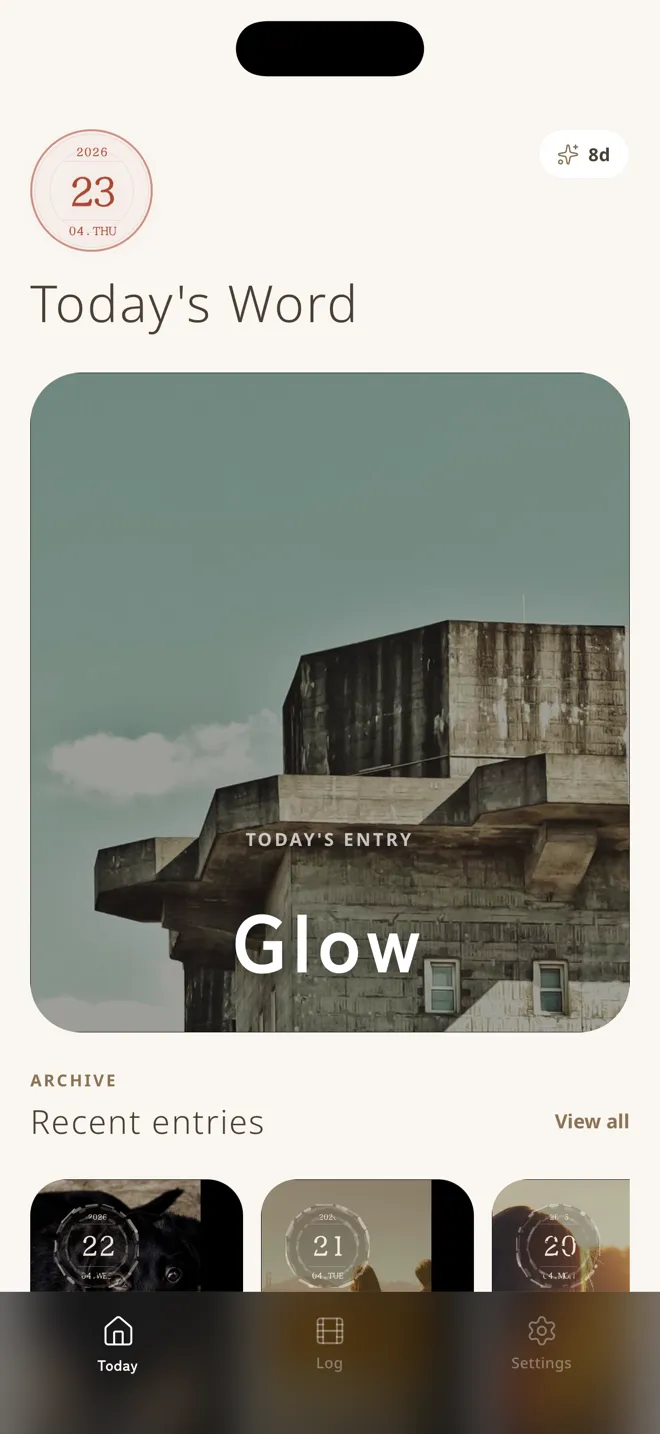
Put one word on today's photo
Take or choose a photo, then add the one word that fits today.
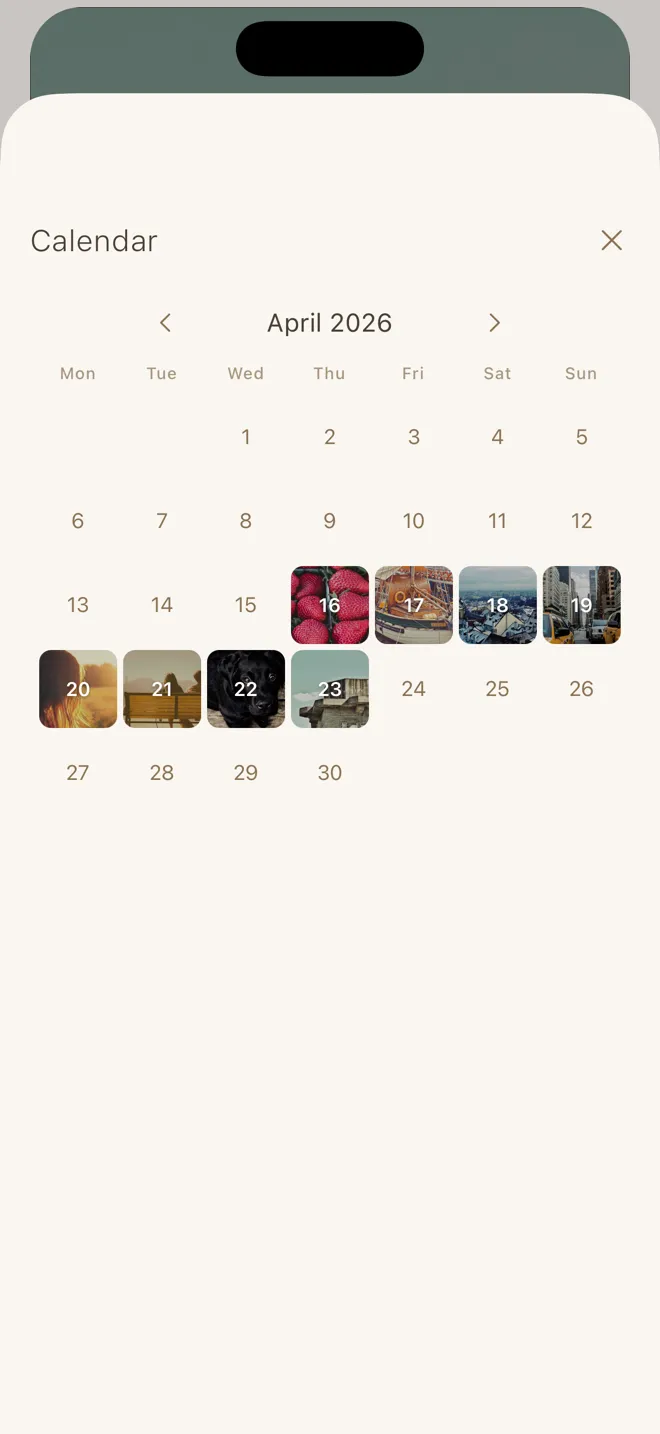
Go back to any day
Your days line up as photos in the calendar. You can search by word, too.
A record for yourself
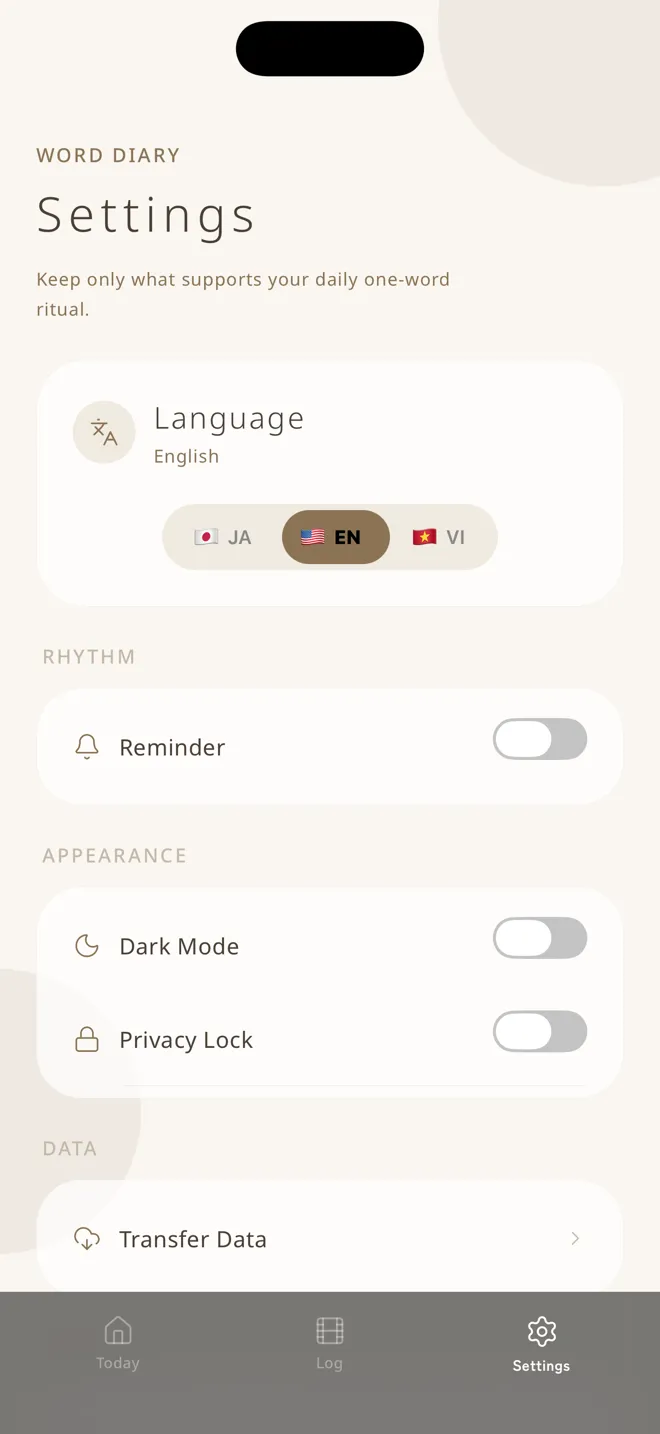
There is no public feed. You can also turn on Privacy Lock.
One word is easy
to keep up.
You only write one word
If keeping a diary never lasted, one word is small enough to keep going.
Look back in full-screen photos
Entries line up as full-screen photos. Swipe up or down to move between days.
See the words you lean on
Find your most-used words and how many days in a row you have recorded.
Keep the feel of the day
Choose from 4 fonts. With your permission, weather and place are saved too.
Before you start
Does it cost anything?
No. It is free, with no ads and no in-app purchases.
Do I need an account?
No. We do not collect your name or email address.
Where are my entries stored?
On your device, and in the cloud for sync and device transfer. We do not share them with third parties. See the privacy policy for details.
What happens when I change phones?
Show a QR code on the old device and scan it with the new one to move your entries.
Which devices are supported?
iPhone and iPad (iOS 15.1 or later) and Android. The app is available in Japanese, English and Vietnamese.
What is today's word?
- Free
- No ads
- No sign-up
 App Store
 Google Play