InstantID
ID photos, right where you are.


ID photos, right where you are.
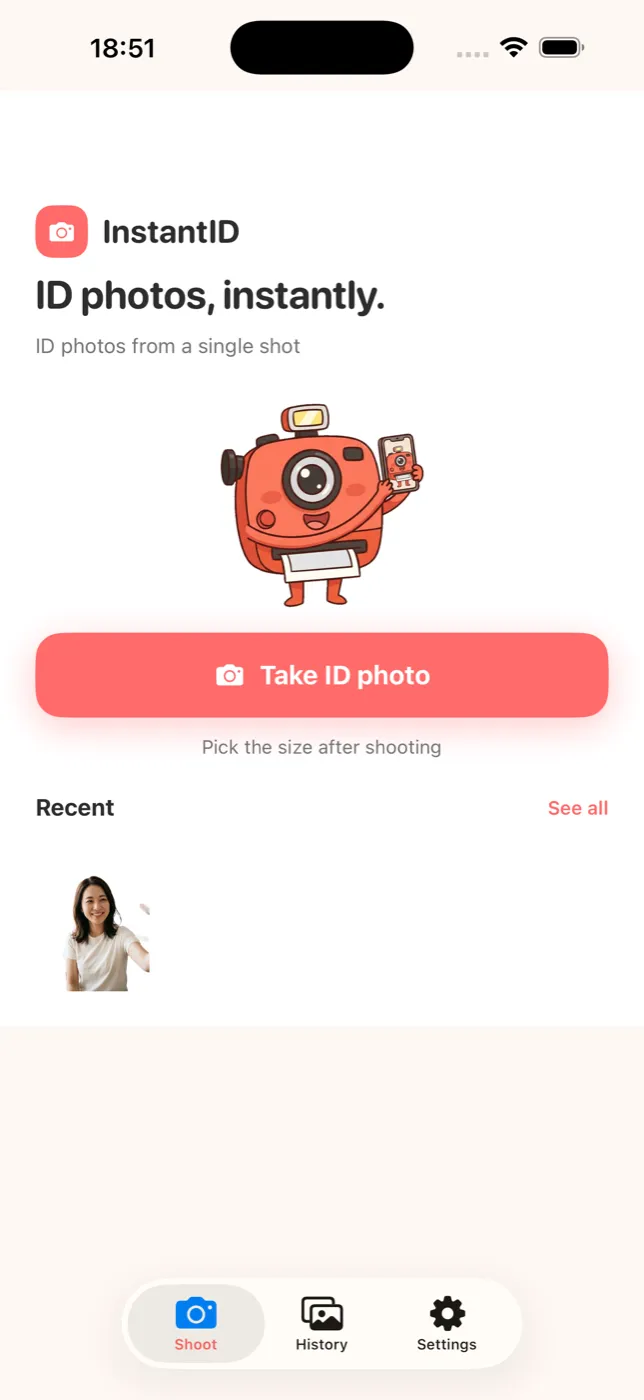
InstantID skips the trip to a photo booth. Use a photo you already have, or take one now with your phone — a few taps turn it into a proper ID photo. The person is cut out automatically and placed on an ID-ready background, then exported at the exact size you need for a passport, visa, resume and more. Everything runs on your device, so there's no trip and no extra cost.
Snap one right now, or choose a photo you already have in your camera roll.
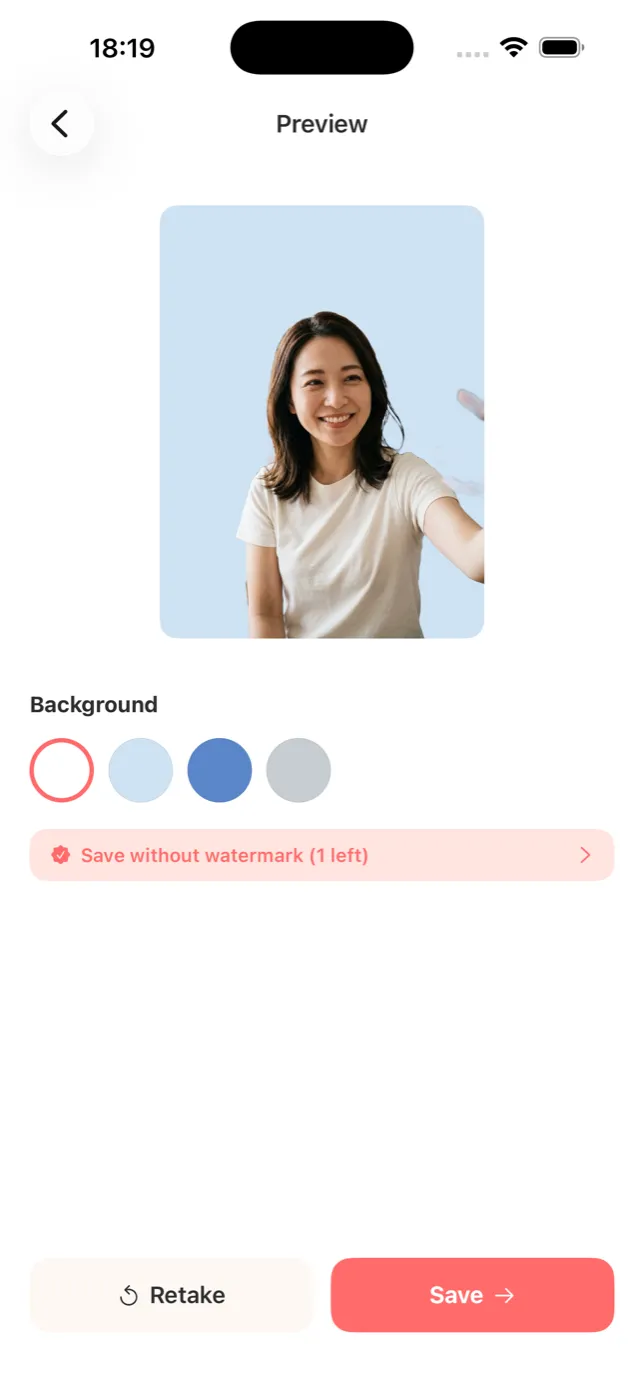
The person is cut out and placed on an ID-ready background — white, light blue, blue or gray.
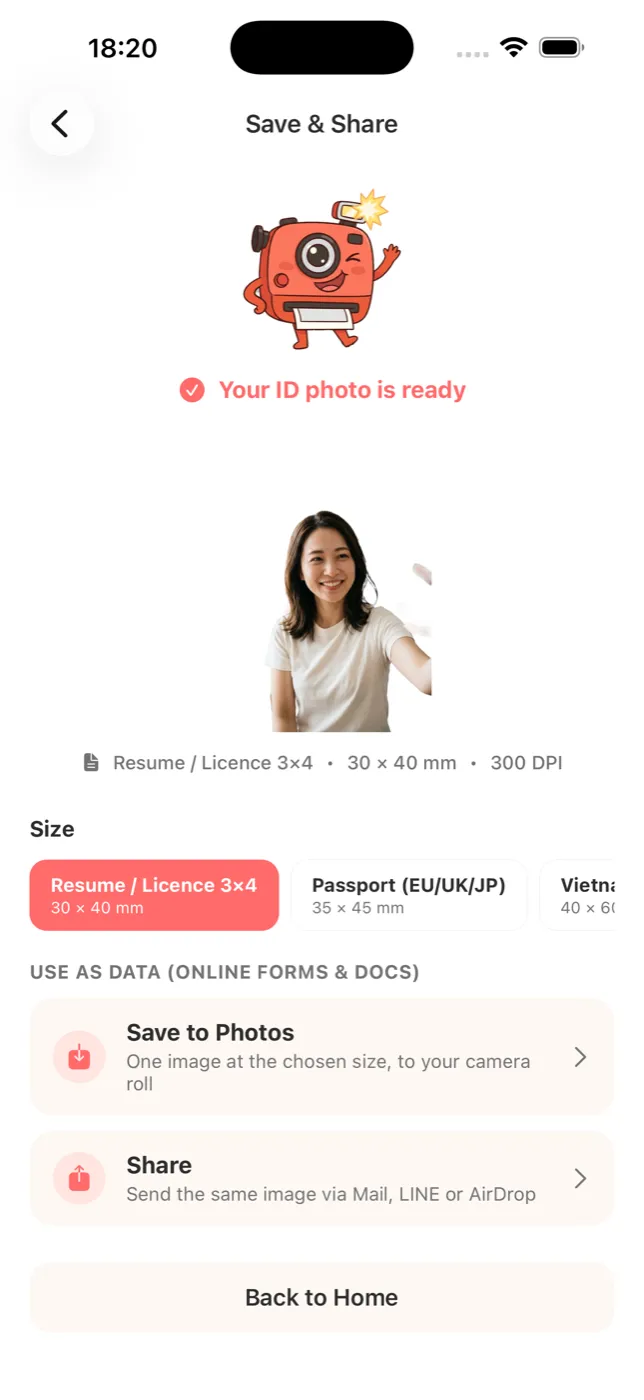
Passport 35×45mm, resume 30×40mm, visa sizes and more — pick one and it's exported at a crisp 300 DPI.
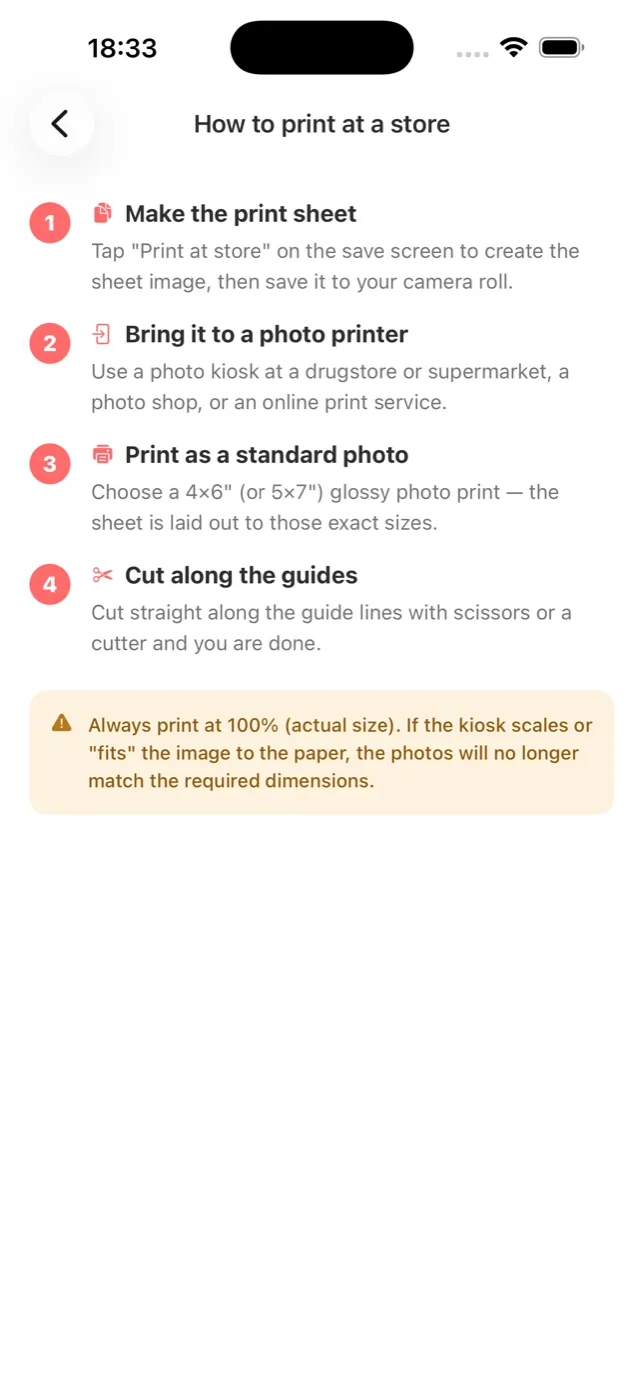
Save as a photo, share via Mail or LINE, or build a print sheet for a photo kiosk — your way.
All you need is your phone, at home or on the go. No booth, no hours, no coins.
The person is cut out automatically and placed on a white, blue or gray background. A messy room becomes a tidy photo.
Passport, visa, resume, ID cards and more — the photo fits the size you actually need.
Exported at a high resolution that holds up for online forms and prints alike.
Tile several copies on a 4×6" or 5×7" sheet, print at a photo kiosk, cut and use.
Everything runs on your device. Your photos are never uploaded to the cloud.