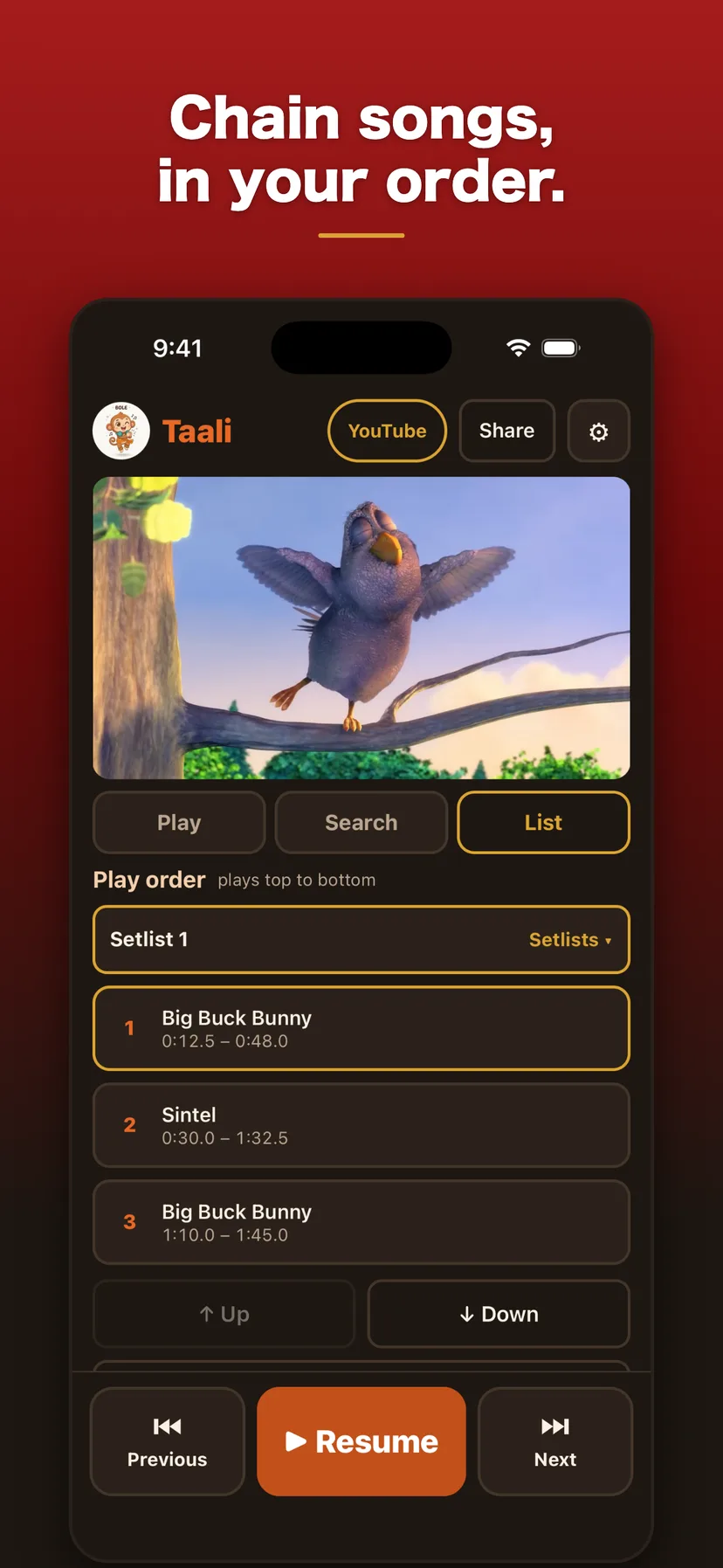
Skip the long intro and start where you want. Repeat just the chorus. Chain a few songs and run them in the order you set. Taali doesn't make you keep up with the song; it plays the song to your plan. For dance, singing or instrument practice. Works with YouTube videos (played as-is in the official YouTube player, never downloaded) and with audio files on your phone (File mode). For YouTube, just search by song name or paste a URL. No account is needed.
* YouTube mode needs an internet connection. Songs play in the official YouTube player, so videos that do not allow embedded playback cannot be played. File mode may also make a small network request to check the connection.
Search by name, or paste a YouTube URL to add it. In File mode, pick an audio file on your device.
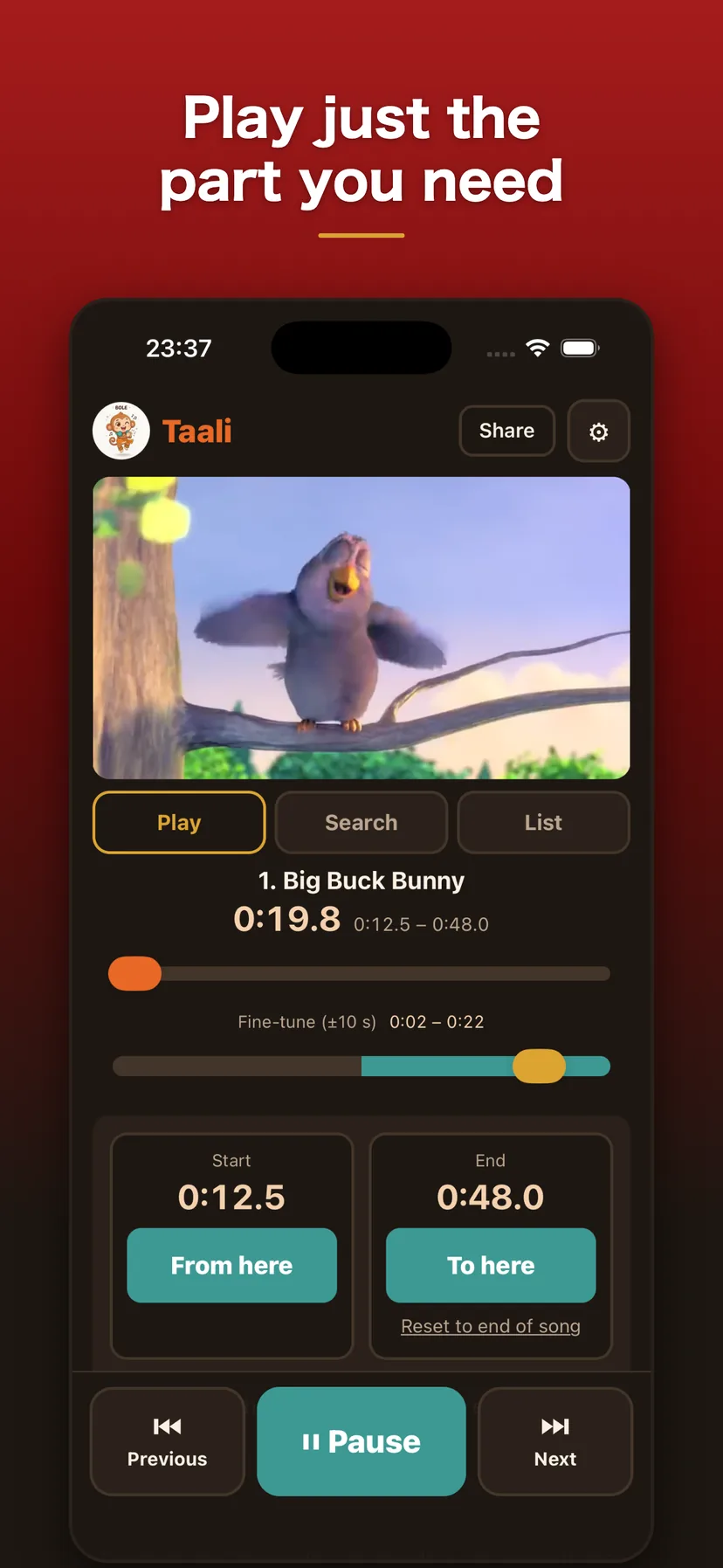
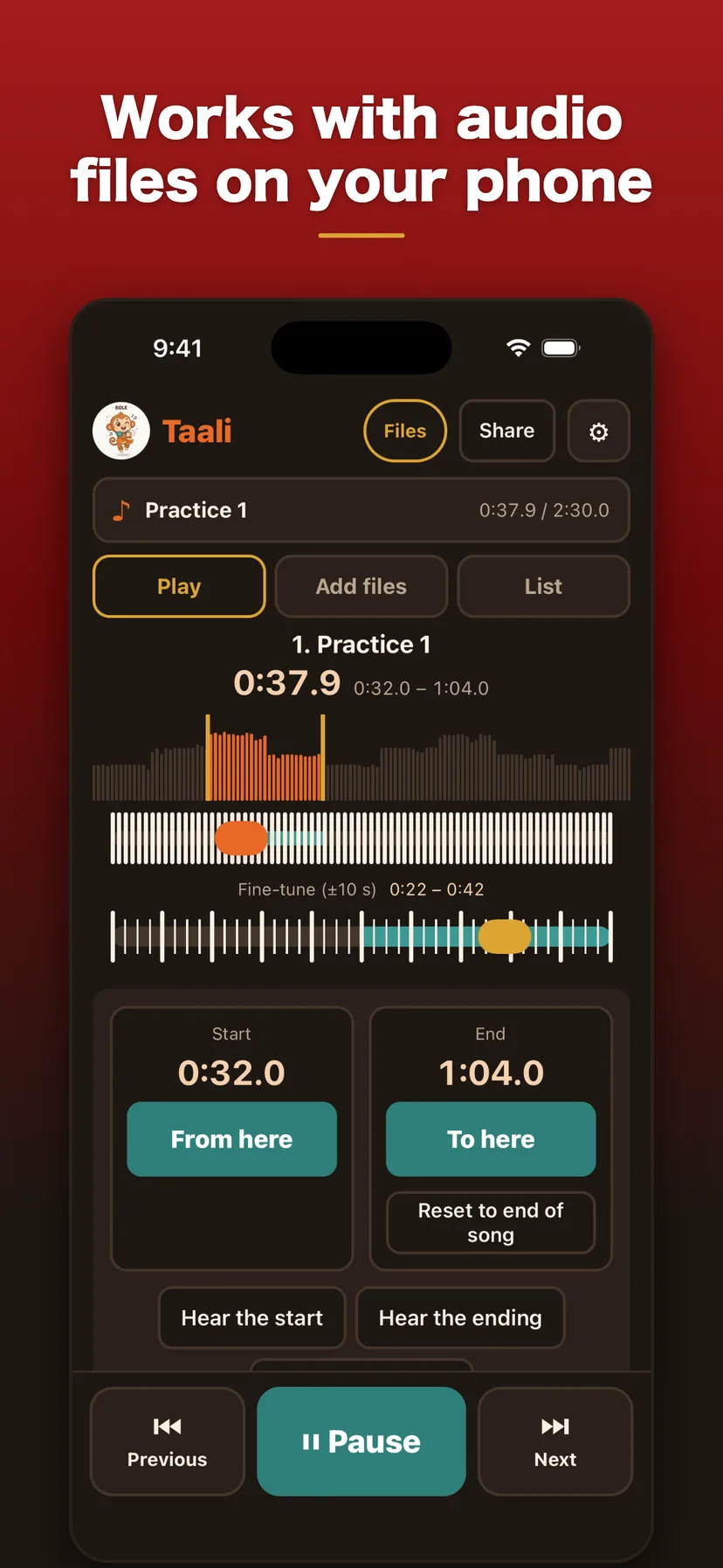
Move the bar, listen, then tap "From here" / "To here". A zoomed bar lets you fine-tune within 10 seconds either way.
Tap Play and it starts from your chosen point. Play a medley of several songs, or loop.
Set a start and end for each song and play just that part. Skip long intros.
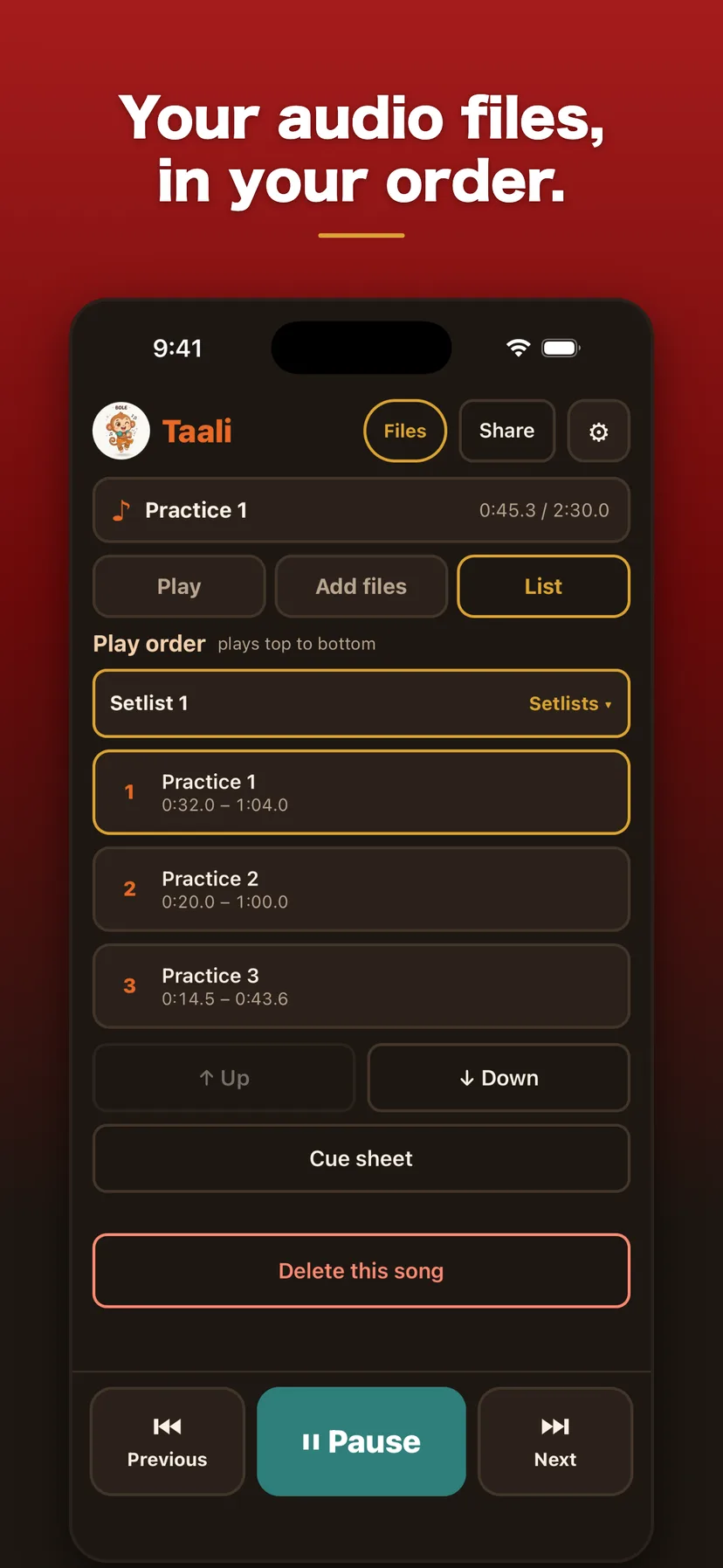
Play several songs back to back and reorder them easily. Loop one song or the whole list.
Tap Play and it starts right from your chosen point. Repeat from the top as often as you like.
Big buttons at the bottom that work even with sweaty hands. Jump back to the top of a song or on to the next one in one tap.
0.75x to 1.0x, for when you want to take it slower.
Share a link via LINE or any app and teammates open it with the same settings. Share a cue sheet of songs and sections as plain text.
Pick audio files already on your device and practice with the same sections, loops, medleys and tempo control, plus beat marks and bar-head snapping. The files are not sent off your device. On Android, a now-playing notification keeps it playing with the screen locked.
In YouTube mode, Taali never saves or merges audio. It only controls the playback position of the official YouTube player, so views count as usual. In File mode, the audio files you choose stay on your device and are never uploaded. Use only files you are allowed to play. File mode does not show the YouTube player, so no YouTube ads appear there (in YouTube mode, ads can still appear even with YouTube Premium).