Batto
Keep score without the symbols.


Keep score without the symbols.
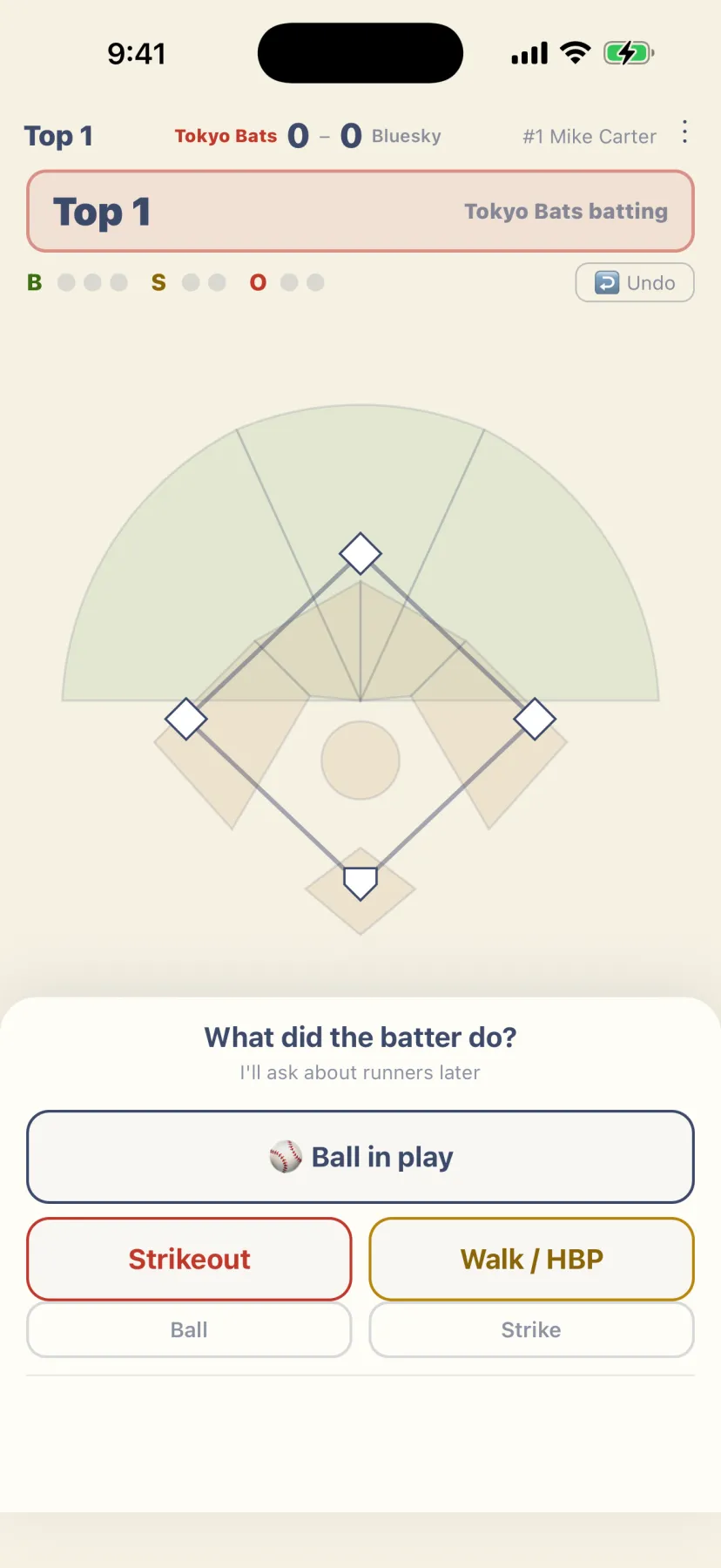
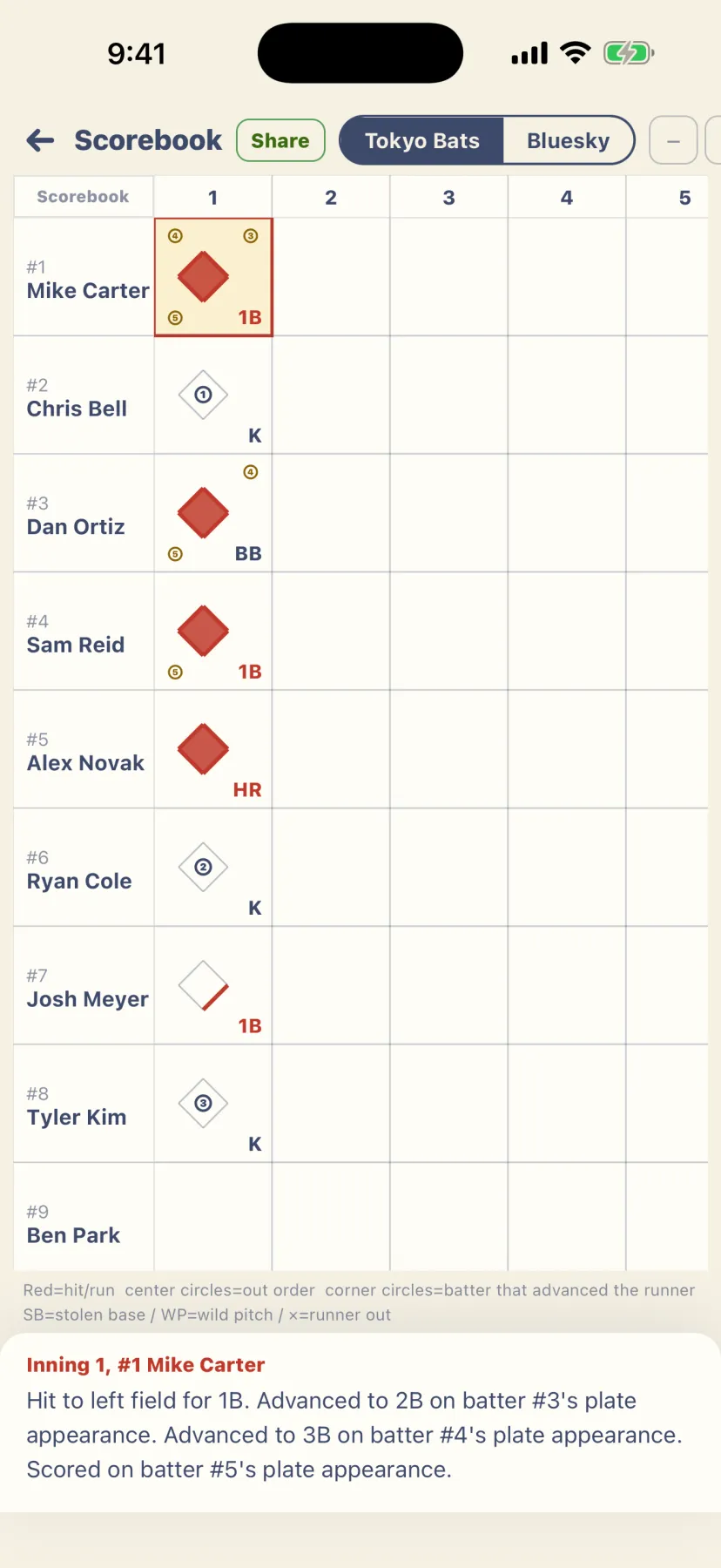
Batto is a scorekeeping app for casual baseball, made for people who have never learned scorebook notation. It only asks “What did the batter do?” and “Where did it go?” Tap the field to answer, and a proper scorebook that experienced players can read builds itself. We made it for anyone who has been handed the scorebook without knowing how to fill it in. No account, free, and no ads — open it and start.
Choose Ball in play, Strikeout, or Walk / HBP. A strikeout or a walk finishes the plate appearance in one tap.
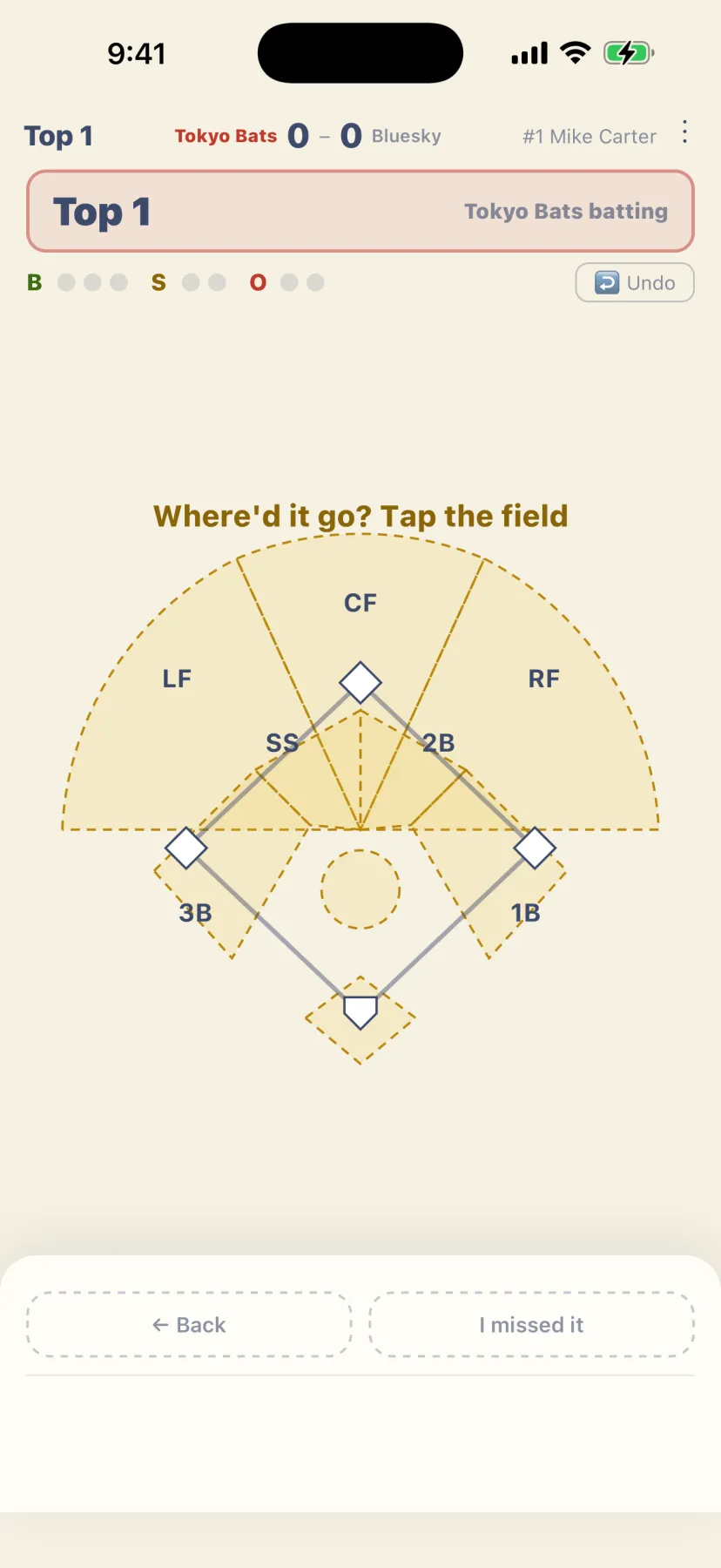
Tap the part of the field where the ball went. No need to set up fielding positions.
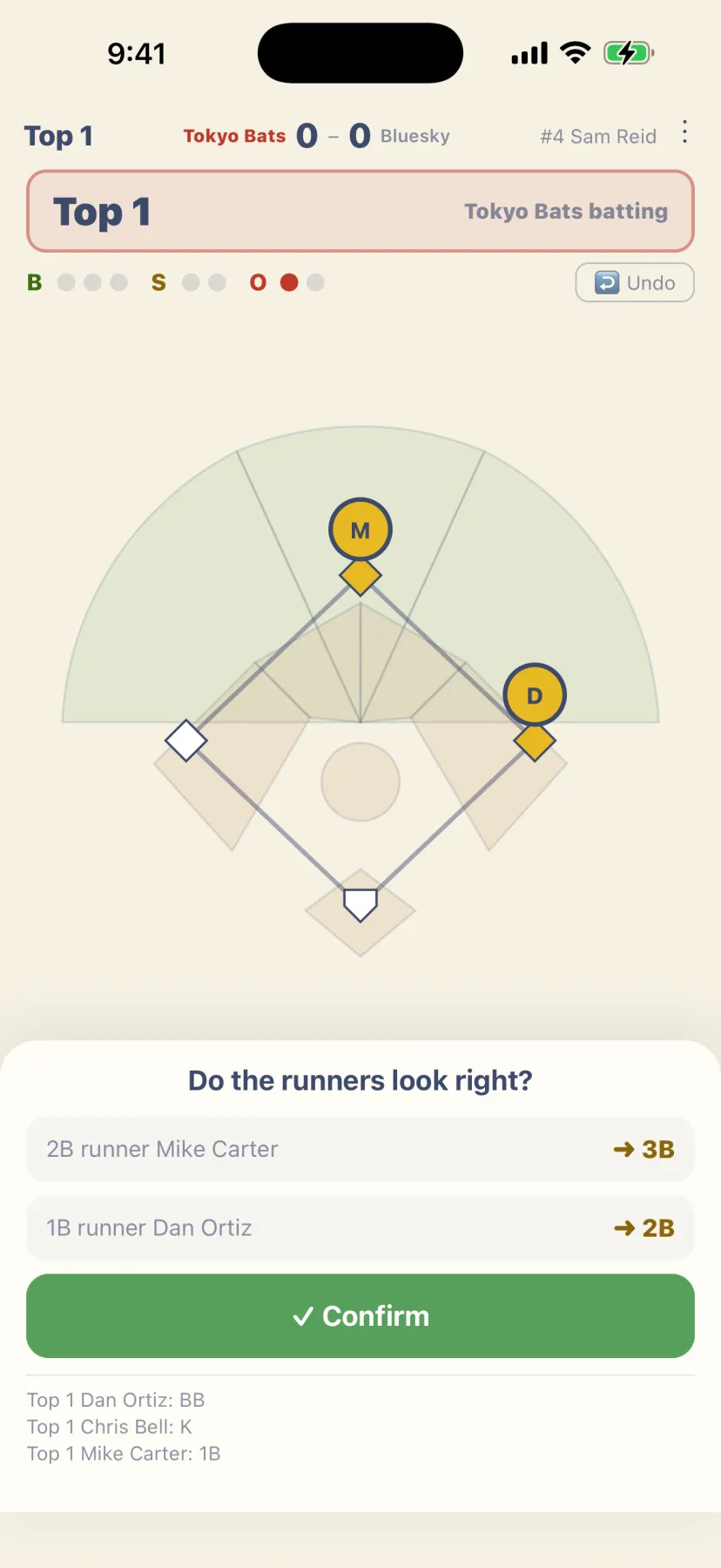
Runner advances are worked out for you. Fix them with a tap only when they’re different.
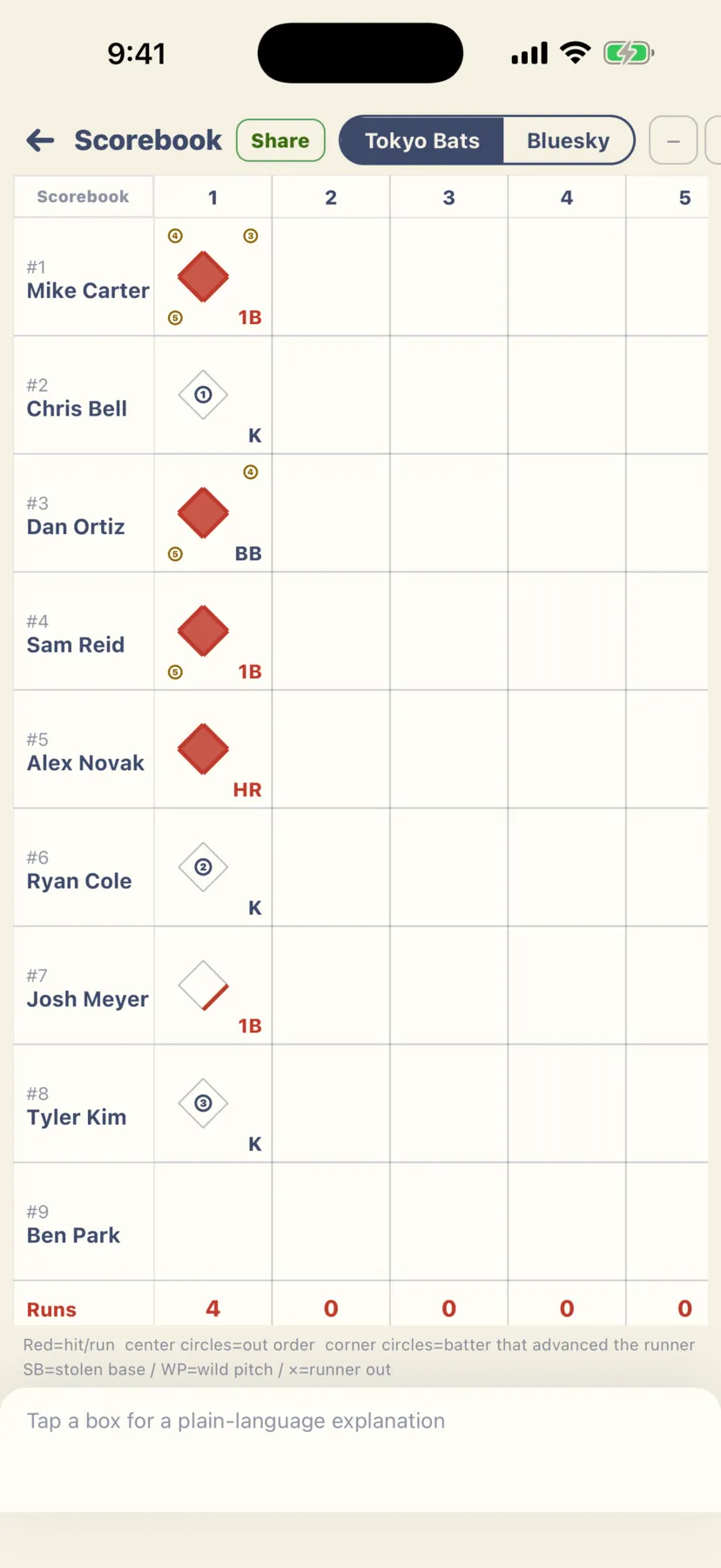
A Waseda-style scorebook fills itself in. After the game, share a link and look back on it together.
A strikeout or walk is one tap; a batted ball takes three. Tapped the wrong thing? Undo takes you right back, and you can fix a finished at-bat later.
Show where the ball went by tapping the field. There are no fielding positions to enter.
Batto works out where every runner ends up. Check the runners after each at-bat and correct them with a tap only when it’s different, and you’re done. Steals and runners advancing on a missed ball can be recorded too.
Record a dropped third strike, pinch hitters, pinch runners, fielding changes and pitching changes.
While you keep score, today’s batting order and the next batter are right on screen. Skip players who haven’t arrived yet or have gone home.
A Waseda-style scorebook that experienced players can read. Tap any box and it’s explained in plain words, like “Walk to first base. Stole 2B.”
Across your games, see AVG, OBP and pitching totals, filtered by date range. Batting and pitching totals are also shown for every game.
Open any finished game from the list and look back at it whenever you like.
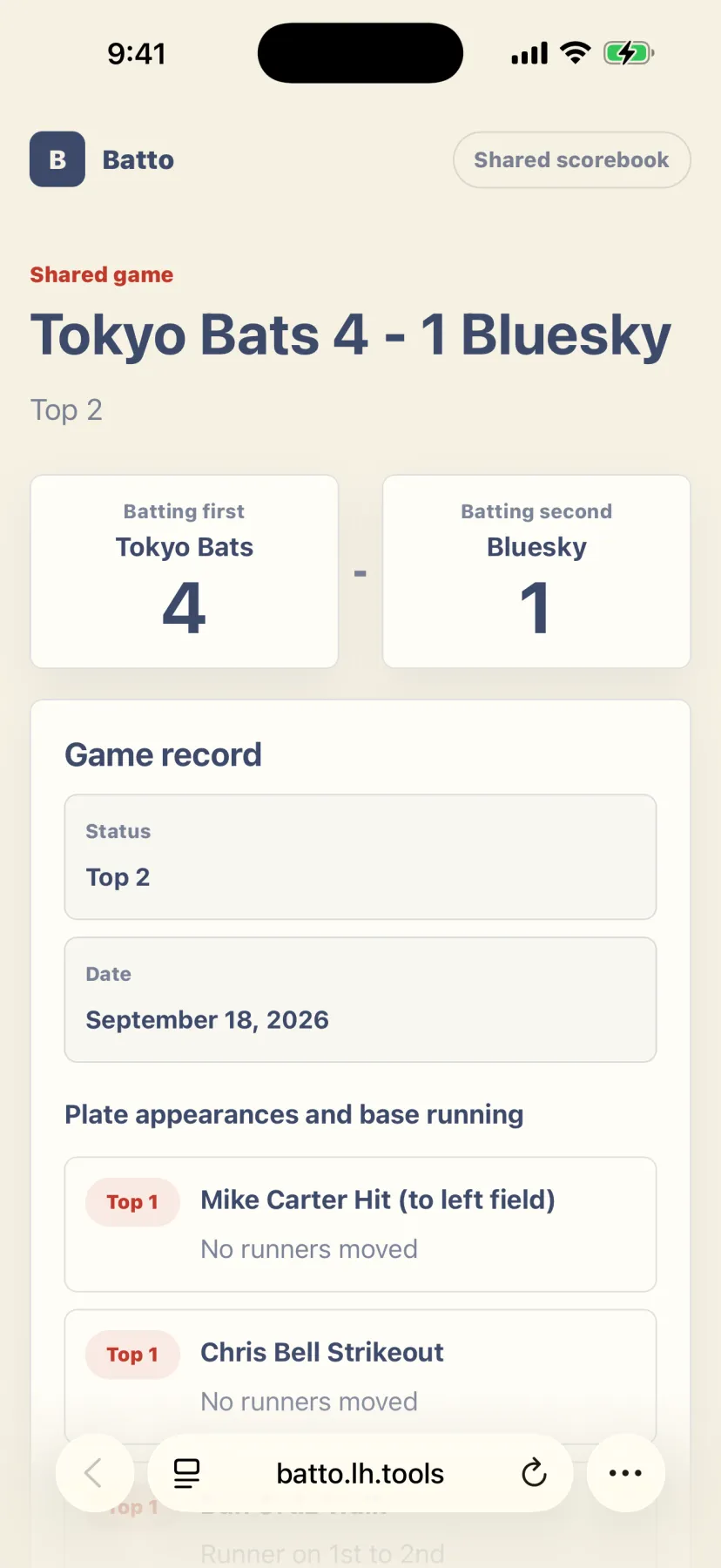
Send the final score to your team with a link. Teammates without the app can open it in a browser, and print it or save it as an image.
If the other team also uses Batto, paste their share link to see their batting from their own record.
Results, upcoming games and player stats, all behind one link for the whole team. Only people with the link can see it, and no app is needed to open it.
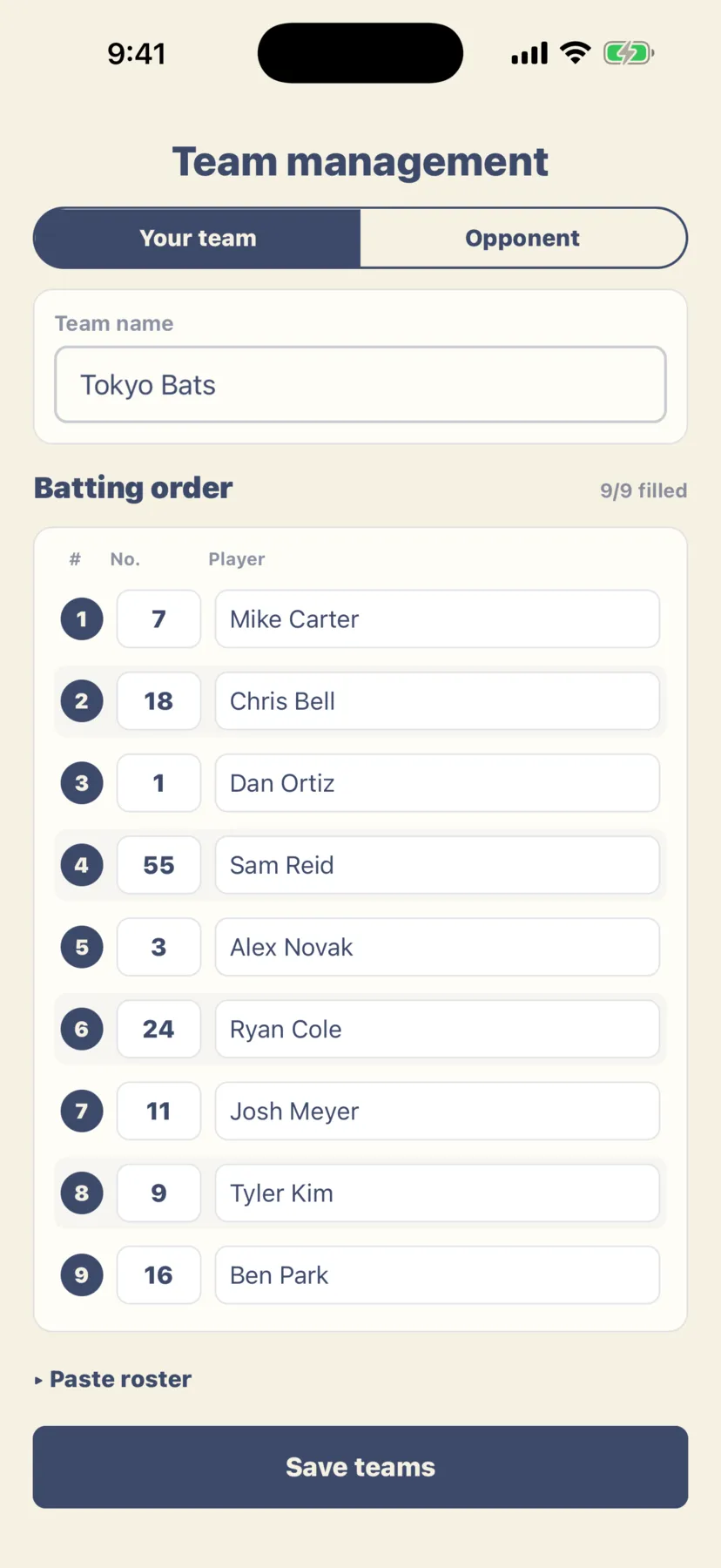
Keep several teams and their players ready for the next game. Copy a roster from Excel or Google Sheets and paste it in (a CSV file works too). Paste the lineup your manager sent to set today’s batting order, or send yours as text.
Add your upcoming games and get a reminder the night before and before the game, so you never forget.
The app works in Japanese, English and Vietnamese. Switch the language in Settings.
No account and no login. Games, teams and schedules are saved on your device and on our server. To have your data on the server deleted, send a “Request data deletion” message from “Feedback & FAQ” in Settings. Others can only see the games you share and the team page you make. The scorekeeper’s name stays on your device.
Every feature is free, and there are no ads. You keep score one-handed during a game, so nothing gets in the way.